
Live demo
Try the restaurant ordering demo.
This is the same platform restaurants use: a branded menu and checkout for guests, and orders, refunds, and sales insights for the owner. Place a test order, then open the owner side.
From the live demo
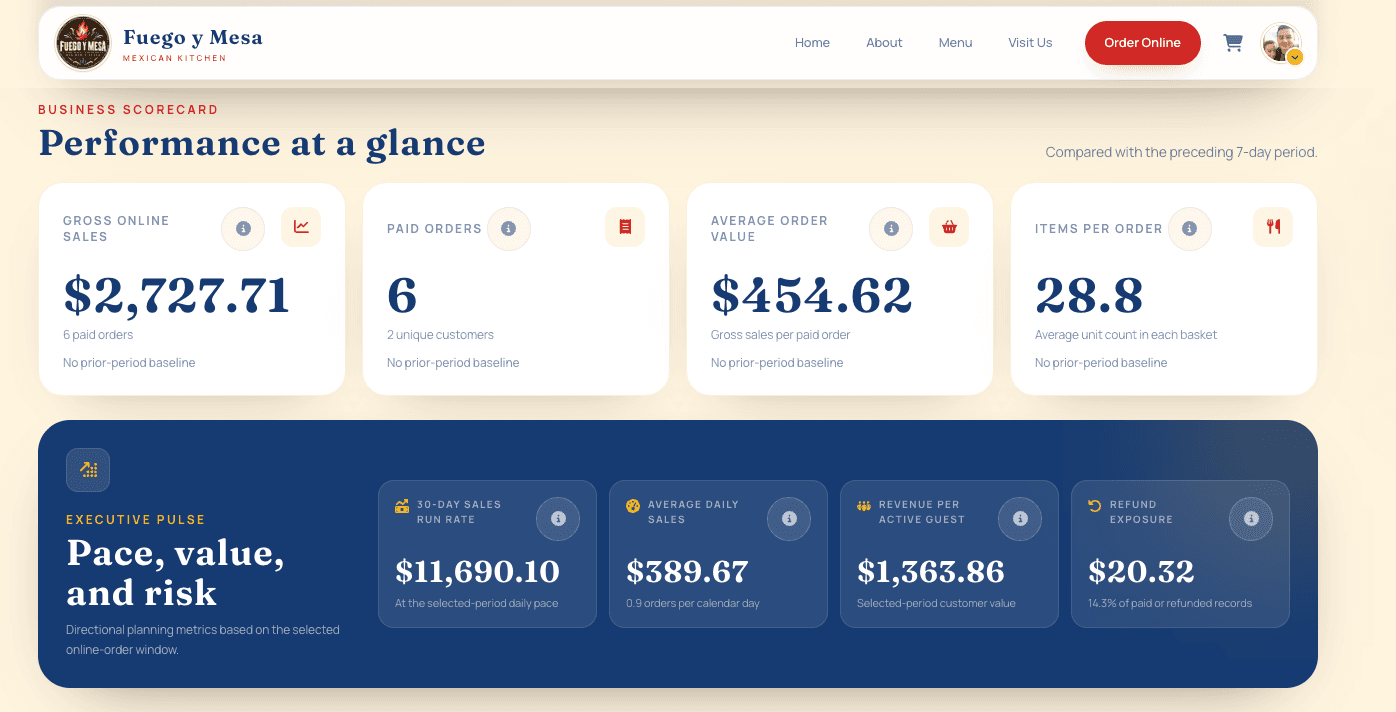
Owner dashboard, Fuego y Mesa demo restaurant
Explore the platform
Easy for your guests. Useful for your team.
A branded menu and checkout for your customers. Orders, refunds, and sales insights for you. Explore both sides of the working demo.
A smooth path from menu to reorder
Try the live demoReal platform. Test payments. No real charges.
How the AI assistant works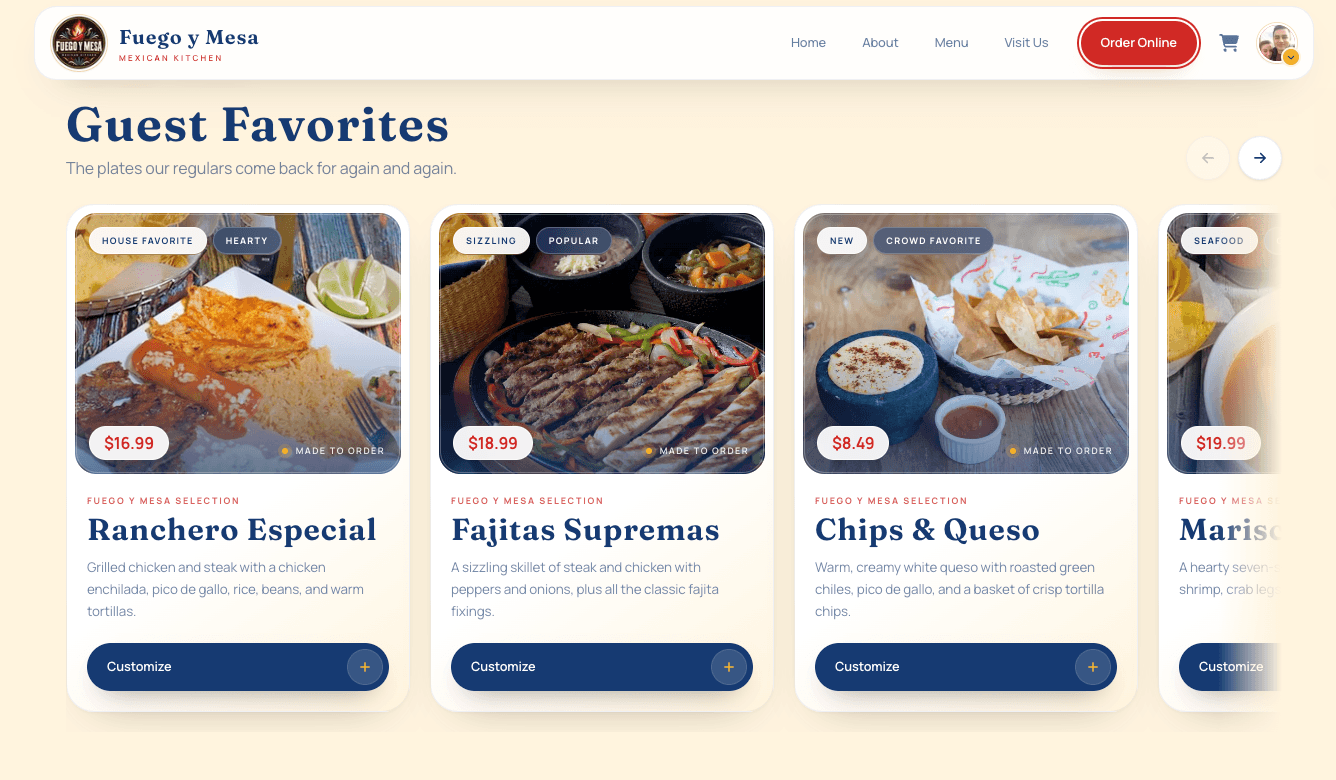
Modern online menu
Present your food clearly and give guests a fast, branded path to order directly from you.
- Everything inside the demo is test data.
- Stripe is in test mode. No real payments occur.
- Every account created in the demo is test-only and receives owner access.
- On a live restaurant site, customers only see their own account and past orders—not owner tools or analytics.
- The AI analytics assistant is only available to the restaurant owner—not to customers or staff.